-
Created by
 Xavier Abellan, last updated by Francesco Murdaca on Apr 20, 2026
2 minute read
Xavier Abellan, last updated by Francesco Murdaca on Apr 20, 2026
2 minute read
Tenant login page
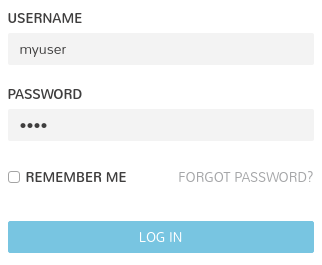
Every tenant will have, in addition to the general login page described above, a dedicated one where the tenant does not need to be specified in the username is also provided.
Because the name of the tenant is on the portal URL, there is no need to include it in the username field.
Example: Dedicated URLs for tenant mytenant
| ECMWF | https://morpheus.ecmwf.int/login/account/mytenant |
|---|---|
| EUMETSAT | https://hcmp.icsi.eumetsat.int/login/account/mytenant |
If Morpheus access is integrated to EWC IAM for your tenancy, you can login to Morpheus with your IAM credentials only using this login.
Not all tenancies have Morpheus access through EWC IAM, the ones onboarded will see the following:

General login page
This is the door anyone with an account, no matter the tenant, can use. They are:
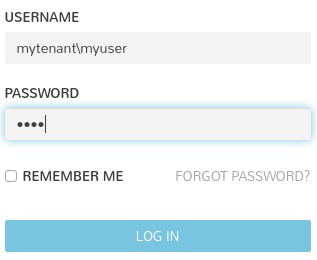
Because every tenant has a different user set, you will need to prefix your actual username with the tenant name in the username field.
Example: Logging in the tenant mytenant with the user account myuser