IMPORTANT: This procedure will not work if you are using an incognito/private tab
|
|
|  |
There isn't much to explain here, just write here the email of the account you want to reset its password. If the account exists an email will be sent to that address with an special temporal link that will allow you to reset the password. Of course this assume you have the control of that email ( you can read its inbox ). |
|
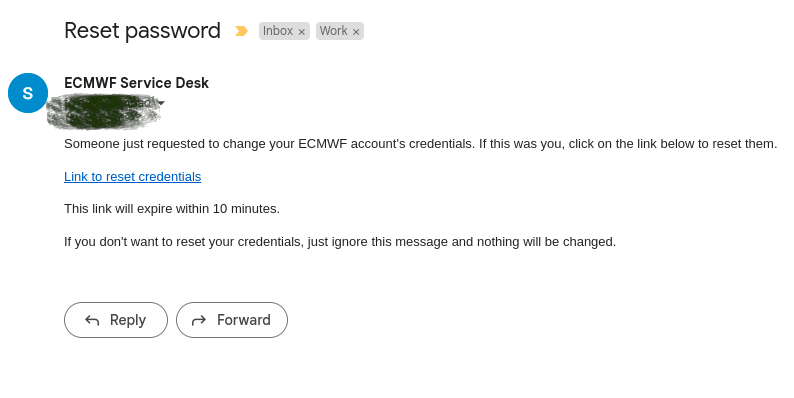
You will receive an email in your inbox like this one. Please note the "Link to reset credentials" : That is a link that you must click and it will take you to a form where you can update the password Also note that this link is limited in time for a few minutes. |
|
Now you can choose the new password, you have to write it twice for confirmation. Please note that there are restrictions on the password quality. If the system considers the password is too weak it will be report it to you with further instructions/details |
|