
-
Created by
 Kathy Maskell, last updated by Lauren Rootham on Sept 02, 2026
2 minute read
Kathy Maskell, last updated by Lauren Rootham on Sept 02, 2026
2 minute read
Could there be a network issue?
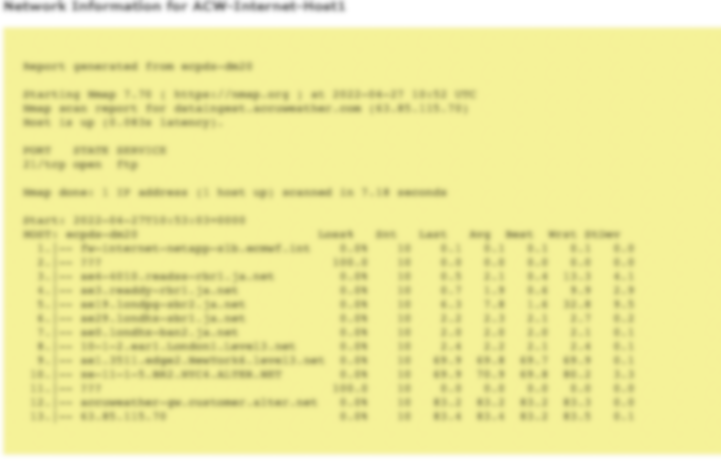
If you have access to ECPDS, you can get a trace-route from our servers to your server. The steps below outline how to generate this network information.
1) Login to ECPDS
2) Navigate to your destination
3) Navigate to the "Transfer Host" that is currently selected as you main (primary) host.
4) Select "Network Info" on the left-hand sidebar.
This can often a take a while to load (typically a few minutes).
 →
→ 
Need help?
Get help
ECMWF Forum — search past answers, ask the community
Support Portal — raise a ticket
Getting data — start here
How do I get ECMWF forecasts?
What can I access for free?
Accessing data for commercial purposes
Licence & delivery
Fee waiver for research projects
Renewal forms
Why haven't I received my forecast data?
Meteorological or forecasting questions
Forecast User Portal
Forecast User Guide
ECMWF Parameter Database
Useful Links